Šta je novo?

Koji distro probati?

Steam Wot radi, ali nema srpski jezik, a kad instaliram wot iz gamecentra kroz lutris, kad ugasim komp pa upalim nece da pokrene, u pitanju je bazzite.
 
ja koristim Faugus launcher, radi wot bez ikakvih problema.

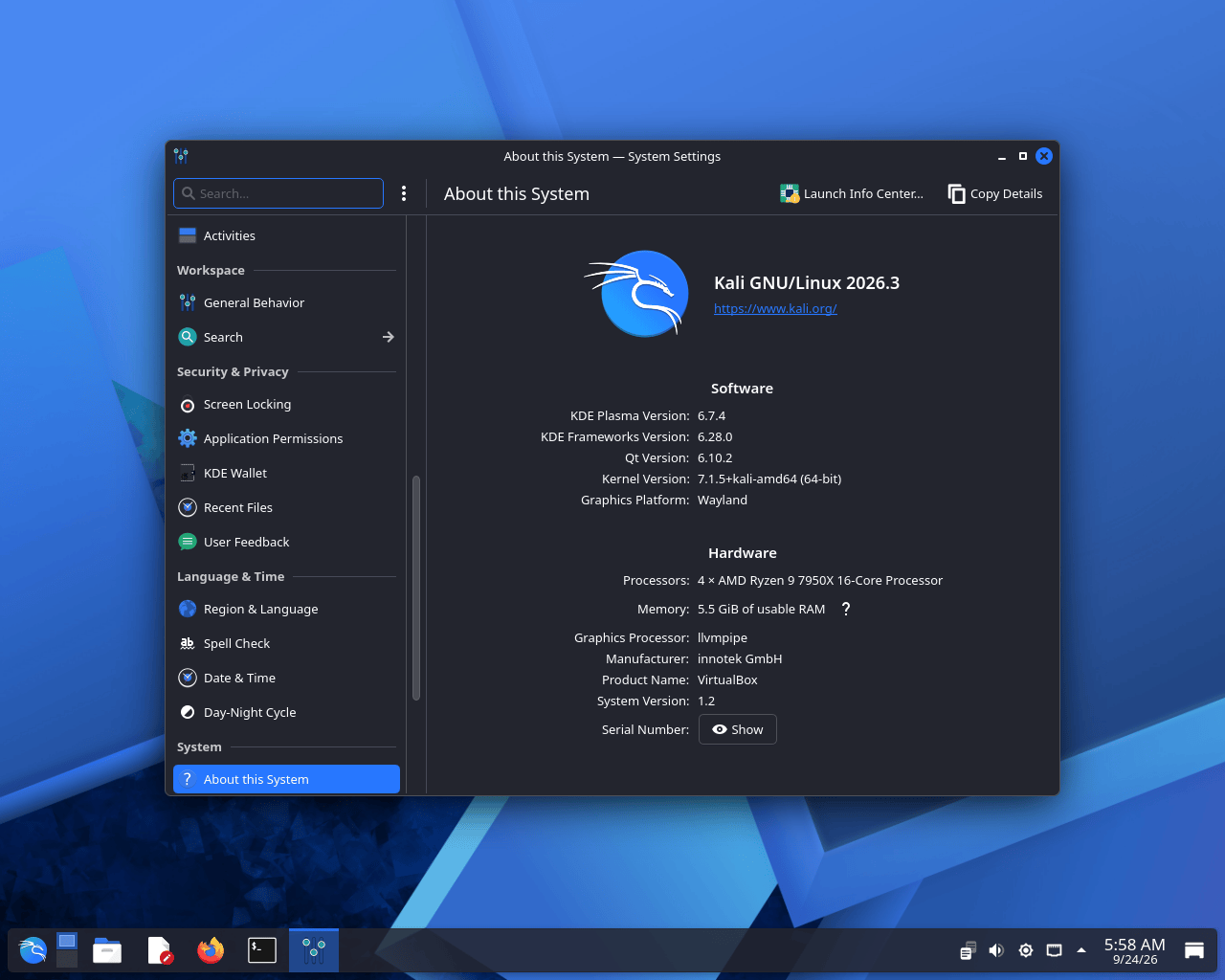
Screenshot_20261025_204140.webp
 

kali-kde-plasma-6.7.png

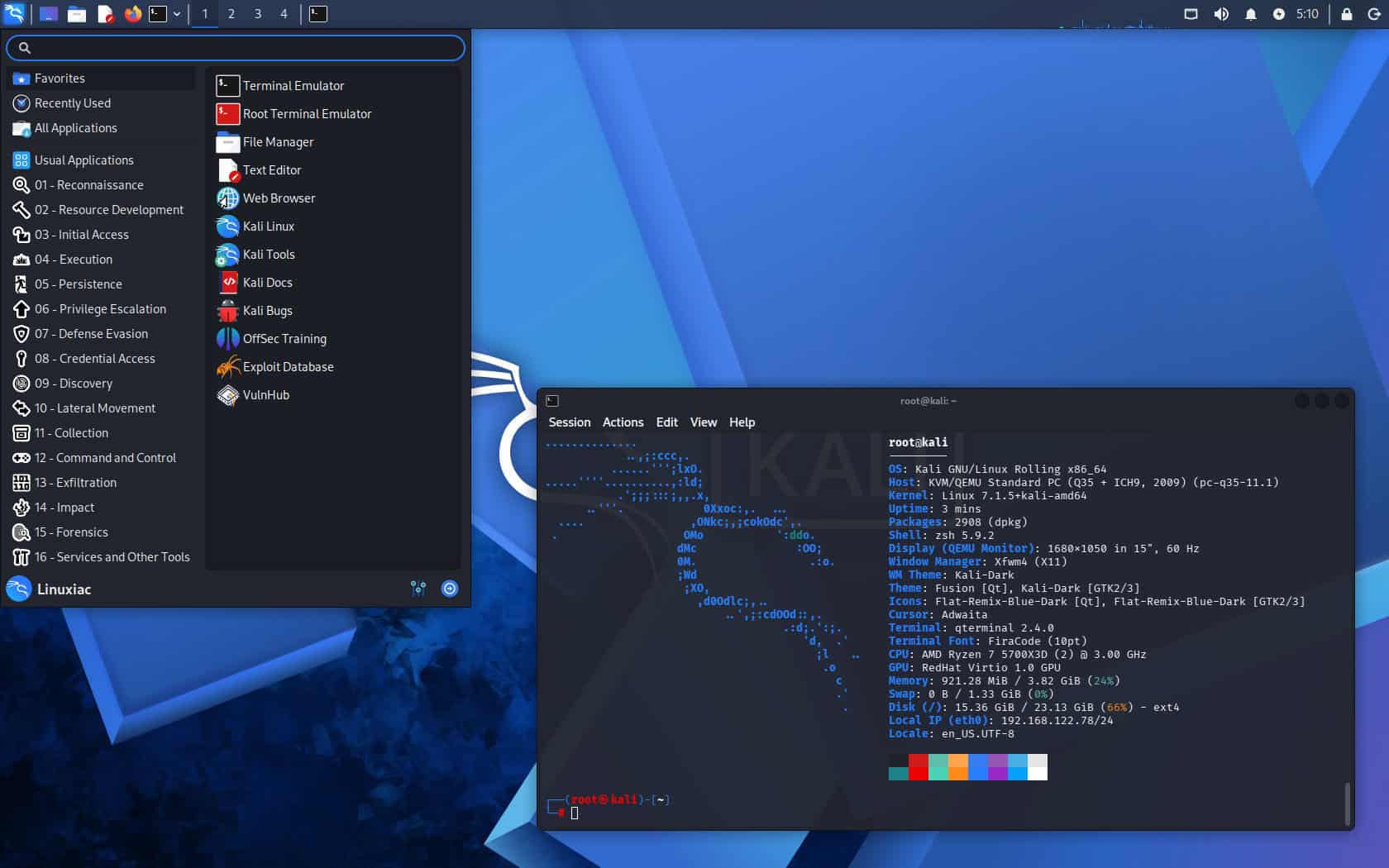
kali20263-desktop.jpg


https://www.kali.org/blog/kali-linux-2026-3-release/
 
Poslednja izmena:
Moram da priznam da CachyOS nakon 6 meseci aktivnog koriscenja je bez ikakve mane.

Koristio sam Ubuntu, Debian, Fedoru, Arch (btw), EndeavourOS, i Kubuntu, od svih CachyOS mi se cini kao najbolji (za moje potrebe).

Up-to-date KDE okruzenje, up-to-date kerneli i aplikacije, btrfs snapshot support kroz limine, bukvalno sve sto bih rucno radio te kroz debian te kroz arch ovde je odradjeno u startu. Npr, kod fedore obavezno ima onaj post install (gde postoji 1001 guide za to kao i sajtovi poput https://nattdf.streamlit.app/). Ovde install i manje vise si spreman.

Imaju plus stvari, npr kompajlovane aplikacije za novije procesorske instrukcije - ali to realno gledano iz mog iskustva ne vidim neku razliku. Mozda u globalu pravi neki procenat razlike ali ja ne vidim u generalnom koriscenju.

Moram da pohvalim da su azurni i na discordu, gde sam imao i problema i sugestije - gde su me pointovali na wiki - pa sam i sam taj wiki updateovao (ako nekoga zanima - booting into gamescope session).

Takodje u igricama sve radi kako treba, gde mi je pomogao i onaj dmemcg-booster od valve-a kod nekih tezih igara (the last of us npr).

Ako planirate da imate neki console-like PC - cachy os preporucujem, mom kompu je to glavna primena zadnjih par meseci. Za dnevni rad (druga masina isti OS) - takodje nemam problema.
Gledam CachyOS i pratim već neko vreme, lepo je stvarno kako su sve zapakovali, BTRFS, limine i sve, al ko će sad da uzima nanovo da instalira...

Glavni sistem mi mislim 6+ godina gura isti Arch, a laptop fazon oko 4. Trebalo je da uvedem BTRFS na laptopu još tad, al mislio sam da ću ga sigurno reinstalirati pre nego kasnije, al eto. 🤣
 
Upravo sam se vratio na CachyOS i otvorim thread, kad ono vi svi taman pričate o njemu. Koristio sam dual boot win 11 i Q4OS nekoliko meseci ali ne mogu da opravdam korišćenje win 11, palim ga 2 puta mesečno, džabe mi jede jedan ceo drajv. Tako da sam se vratio na CachyOS i KDE. Sada sam podesio BTRFS i lumine, pre sam koristio EXT4 i grub.
 
Sa Windowsa sam presao na Linux Mint, nakon dosta testiranja, konacno mogu reci da sam ga dobro savladao i sem koriscenja Adobe programa i pojedinih igrica, ne vidim poentu vracati se na Windows spyware

Koristio sam i Arch Linux ali se meni pokazao jako bagovit.

Moja preporuka za pocetnike je Linux Mint, lagan za koriscenje i stabilan po meni.

Preporuka za temu na Mint-u: Orchis Dark
 
za Adobe imas ArtCraft
 
CachyOS November 2026 Release Changelog

This release brings support for Easy Anti-Cheat Linux v2. EAC only lets games start when it can verify how the system was booted: Secure Boot with a kernel signed by a key that Epic trusts, a TPM 2.0, an enabled IOMMU, and a kernel running in lockdown mode that only loads signed modules. For this we provide a dedicated kernel, linux-cachyos-eac, together with a systemd-boot signed with the same key. The EAC kernel gets its own boot entry and your normal boot entries are kept, so you only boot into it when you want to play a game that uses EAC. The new eac-setup script does the setup for systemd-boot, Limine and rEFInd, with experimental support for GRUB, and eac-status verifies the result. DKMS modules do not work with the EAC kernel, so the NVIDIA (open and 580xx), ZFS and r8125 modules are shipped as linux-cachyos-eac-* packages instead. Please read the Easy Anti-Cheat guide in our wiki before you start, especially if you use BitLocker or unlock your disk with the TPM.

The CachyOS Package Installer has been fully revamped with a new UI for its 2.0.0 release. Besides the CachyOS and Arch repositories, it can now build packages from the AUR and install Flatpak apps and AppImages, each of them opt-in. Before an AUR package gets built, the PKGBUILD and its install scripts are shown for review, and a static analysis marks the lines which should be looked at. When reviewing an update, it shows what changed since the installed version. AppImages can be added from a local file or from a GitHub project, which also offers newer releases as updates, and AppImages which were added with Shelly or Gear Lever can be taken over. The new settings page offers several colour themes and a button to rank the mirrors.

​
ADKq_NYBmpQHYEtkph5An2c4zW985bwk0ekfig2cXe1vxqcZEmIEKoX1lRhIBRMfgc4AZmB0qG-6OkIdIkQpOtgq9_X78xg4RT3HCBxmc6-VN50Oi_R7bcUaIYzn=s0-d-e1-ft

cachyos-recovery is our new recovery environment. It is a self-contained image, which can be booted from your bootloader or directly from UEFI, so rolling back a broken system no longer needs a live USB. From its menu you can boot any Btrfs snapshot with a writable root to try it first, and then roll back to it permanently, either from the notification on the desktop or directly from the recovery menu. The rollback also regenerates the kernel and initramfs files and the bootloader configuration for the restored snapshot, and signs them if Secure Boot is set up with sbctl. It works independently of Snapper, supports LUKS encrypted installations and takes about 70 MB on the ESP. It can be installed with sudo pacman -S cachyos-recovery, or cachyos-recovery-legacy on BIOS systems.


cachyos-drm-awaiter is a new package, which replaces early KMS and the nvidia-module-loader. It waits for the GPU drivers to be loaded before the display manager gets started, for any driver and not only NVIDIA, and shows a QR code if the driver failed to load. chwd and the installer have been adjusted for it, so the kms hook is no longer added to the initramfs by default.

The installer now uses the shared CachyOS installer libraries (gucc) from the CLI installer as backend for the initramfs, machine-id and post-install steps. We are slowly transitioning to our new installer backend, and for now Calamares is switched over to it step by step. The root partition is created with the SD_GPT_ROOT_X86_64 partition type by default, Plymouth is now optional and can be deselected in the package selection, and the rEFInd + AI SDK bootloader option has been removed. It only differed from the regular rEFInd installation by installing the AI SDK, which can still be done afterwards with sudo chwd -a --ai_sdk. The CLI installer got a large refactor onto the same library, with reworked LUKS and LVM handling for the bootloader.

In chwd, intel-lpmd is now only used on hybrid CPUs and got Wildcat Lake support, NVIDIA PRIME profiles match on convertibles, and the Framework Laptop 12 got tablet mode support. Simplified Chinese, Hungarian and Arabic localizations have been added.

cachyos-settings brings back the systemd-oomd configuration and enables it by default; it kills based on swap usage and ignores the user session. Dirty ratios are now used and the writeback is capped on slow disks and USB drives, REISUB can be performed by default, and game-performance got tlpctl support.

On the package side, this release comes with Linux 7.3.5, NVIDIA 620.73.04 and Mesa 26.3.1. The nvidia-580xx modules are now prebuilt for our kernels, the kernel can be built with Rust together with ThinLTO, and mutter is shipped with the tearing patches merged.

CachyOS now also provides an image for the Windows Subsystem for Linux. See the CachyOS on WSL wiki page for the installation.


Download:

Grab your copy of the latest ISO from our mirrors on SourceForge:

 
Mora nova instalacija ?
 
Ne mora.

Kod:
sudo chwd -a -f

ovo pokrece CachyOS Hardware Detection, alat za automatsko prepoznavanje hardvera racunara i instalaciju ili prekonfigurisanje drajvera i profila. Nije lose da se pogleda ova stranica pre pokretanja komande.
 
Poslednja izmena:
Nazad
Vrh Dno